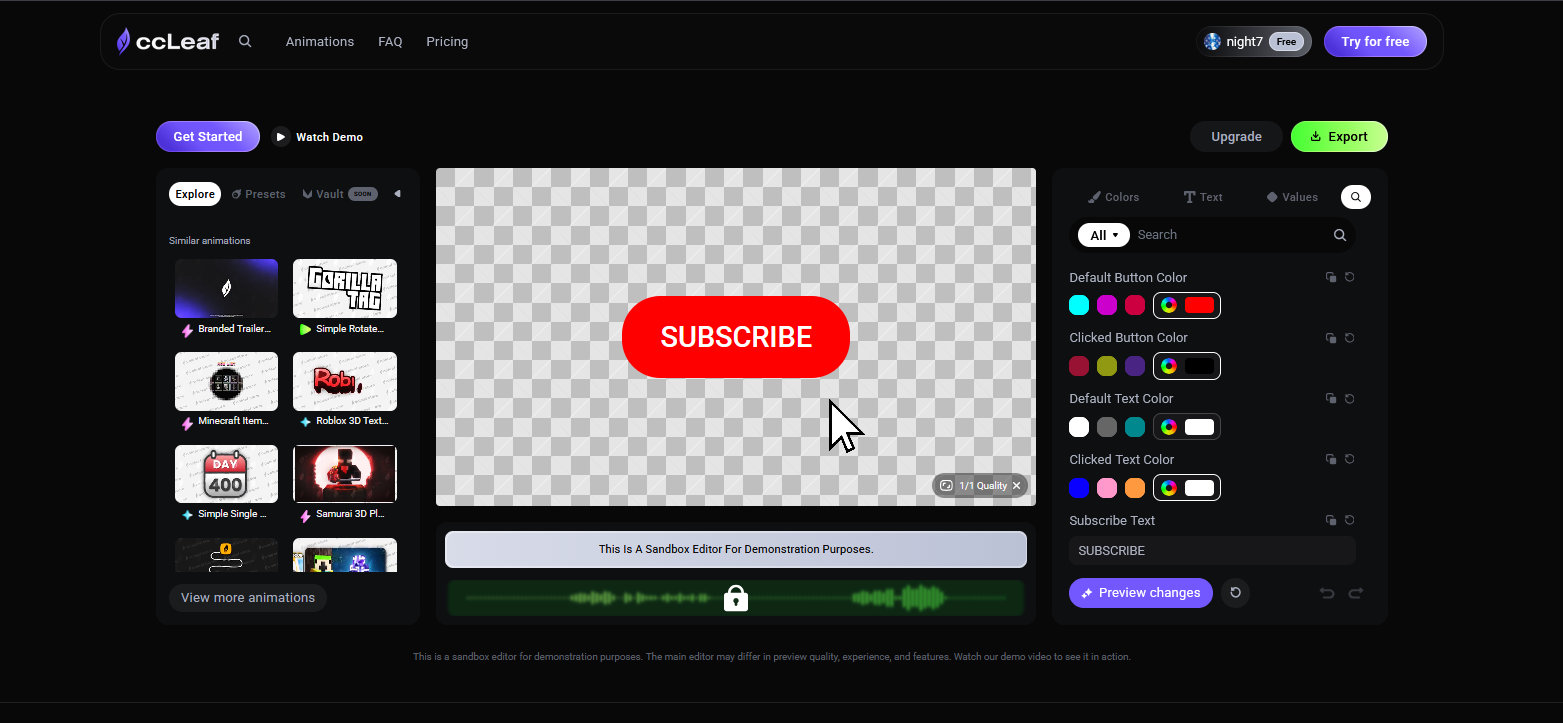
How to Try ccLeaf’s Free Demo Editor
ccLeaf offers a free Demo Editor so you can explore the platform before committing to a subscription. It gives you a hands-on look at how animations are customized and how the editor works in real use.
Written By ccLeaf Team
Last updated 3 months ago
Getting Started
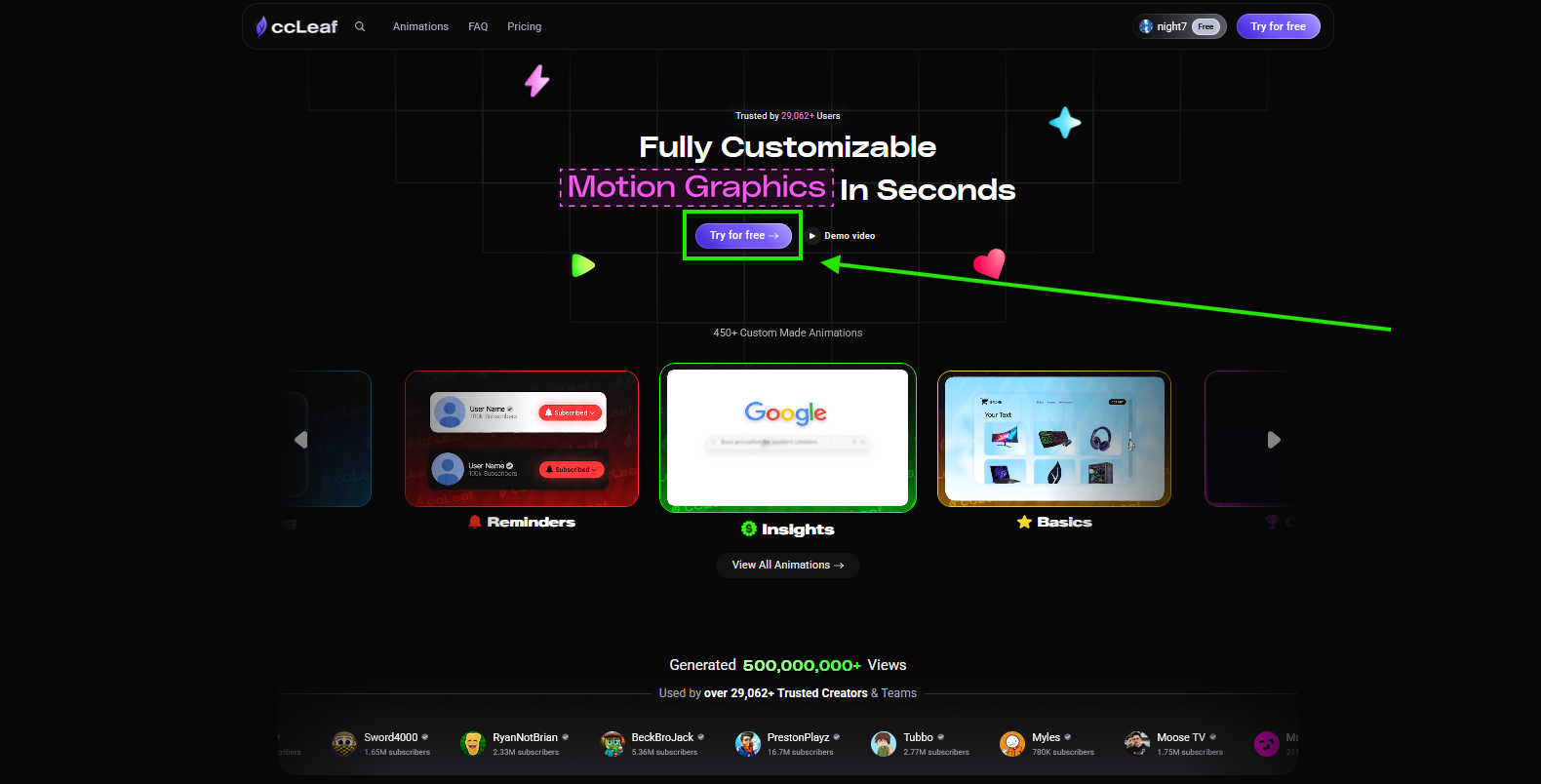
On the homepage, click “Try for free.”
After logging in, you’ll see the same option inside the app — click “Try for free” again to open the Demo Editor.
What You Can Do
Inside the Demo Editor, you can open animations and preview how they work. This lets you understand the flow, speed, and overall experience of customizing animations in ccLeaf.
Limitations
The Demo Editor is a sandbox, so some features are limited.
You can preview animations, but customization is restricted. You can also download the animation, but without any edits applied.
Why Use It
The Demo Editor is the fastest way to see if ccLeaf fits your workflow — no setup, no commitment, and no payment required.